The best social media content planner for consistent posting
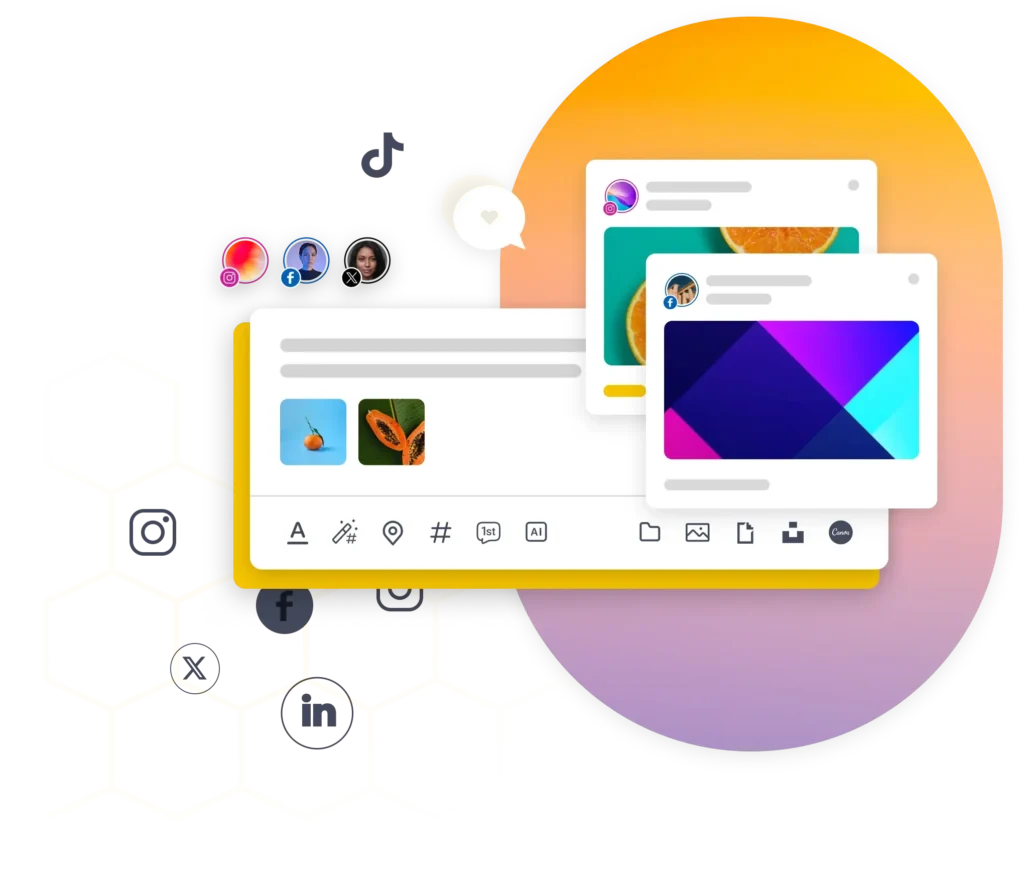
SocialBee allows you to create and customize posts for each social media platform from one place.
Maintain a consistent social presence from one social media planning calendar
SocialBee makes creating social media posts efficient, so you can eliminate repetitive tasks and craft better posts faster.
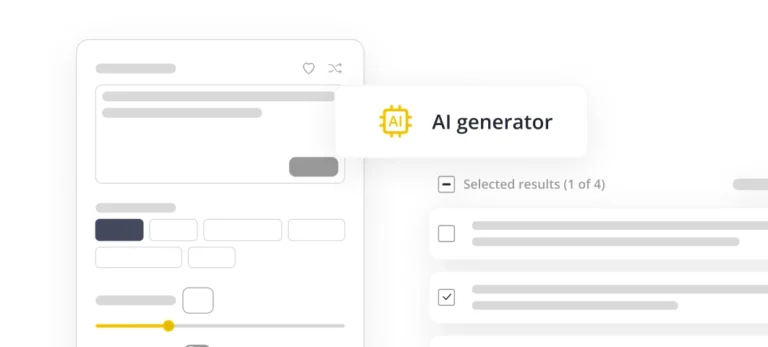
AI content generation
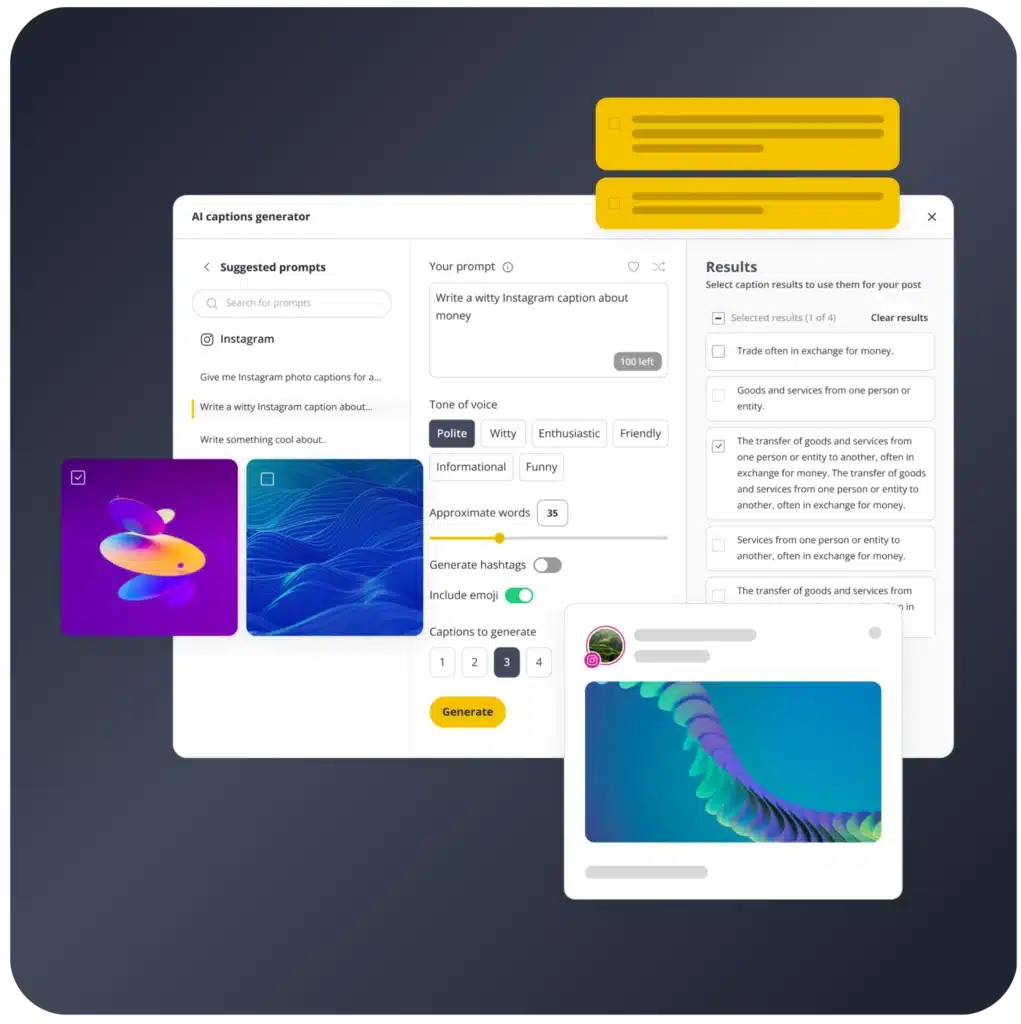
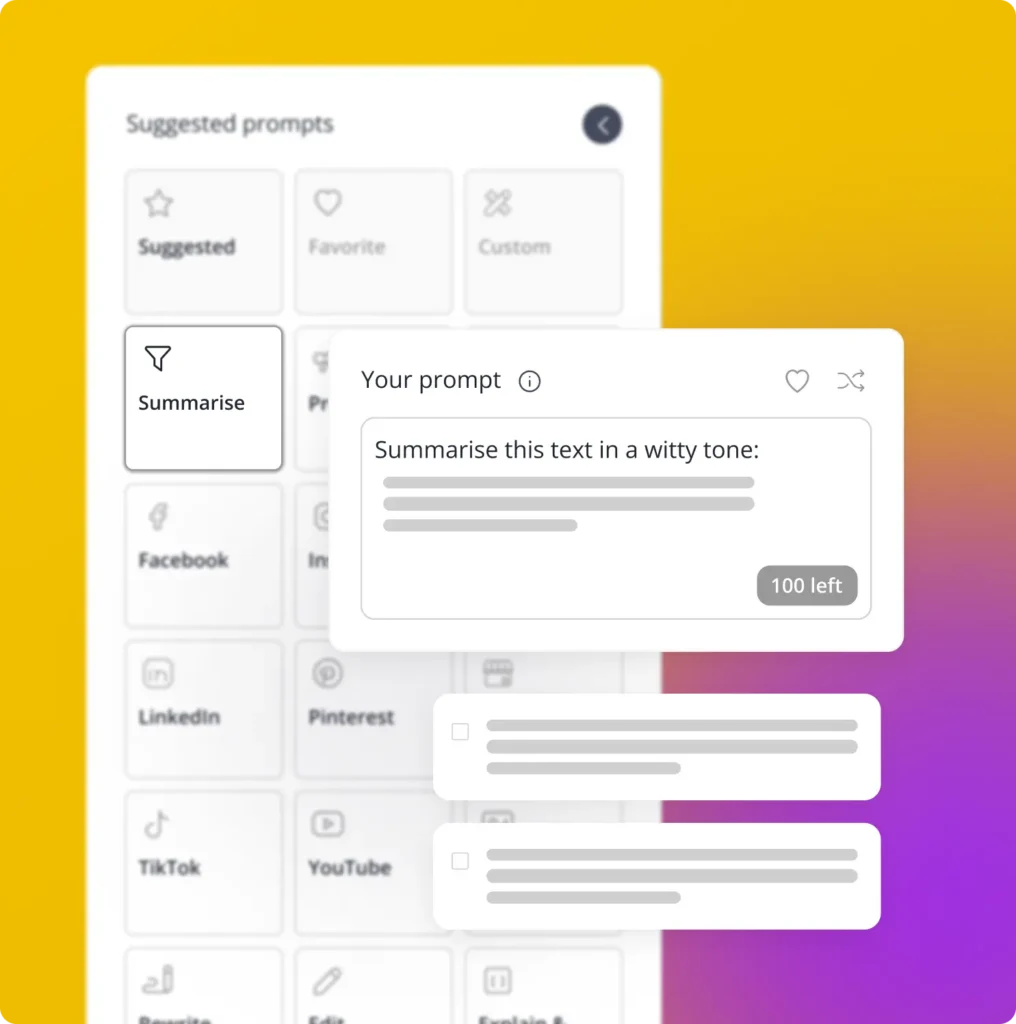
Create on-brand, engaging posts (text and images) with SocialBee’s AI tool.
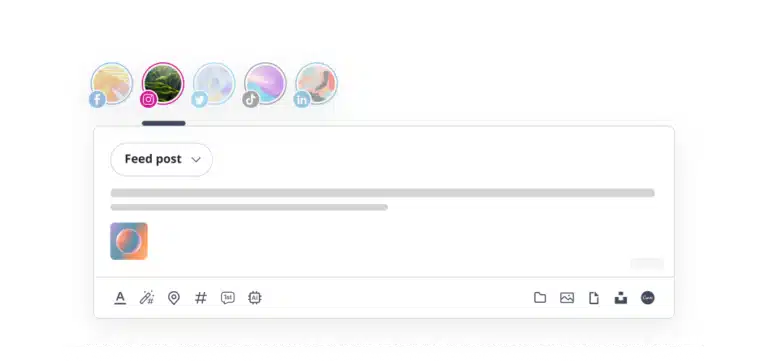
Post customization
Adjust your content for each social network or let AI do it for you.
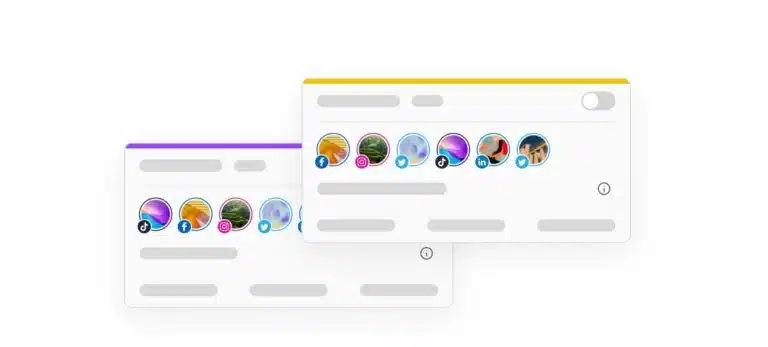
Content categories
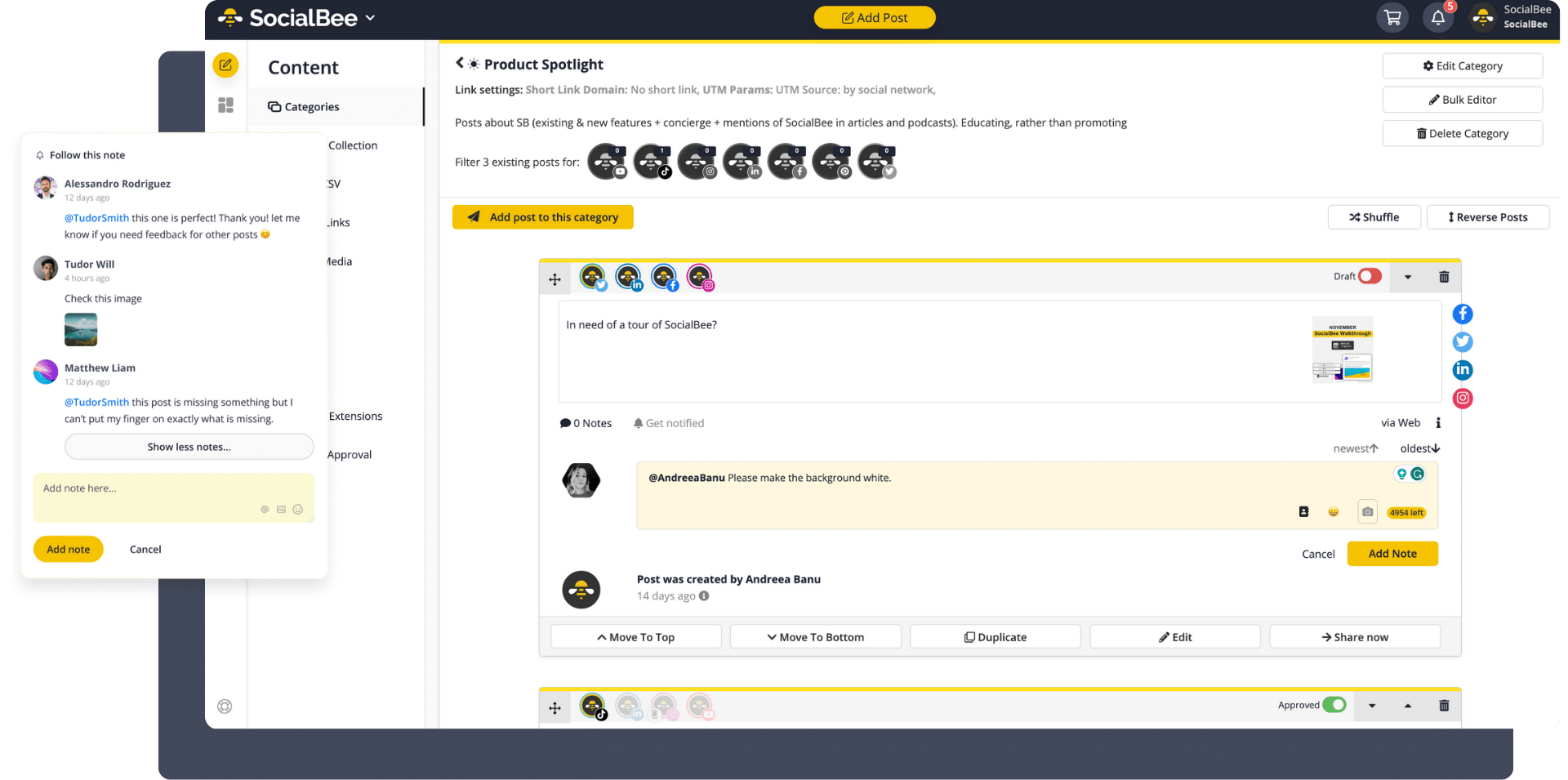
Categorize your posts based on topics to diversify your content.
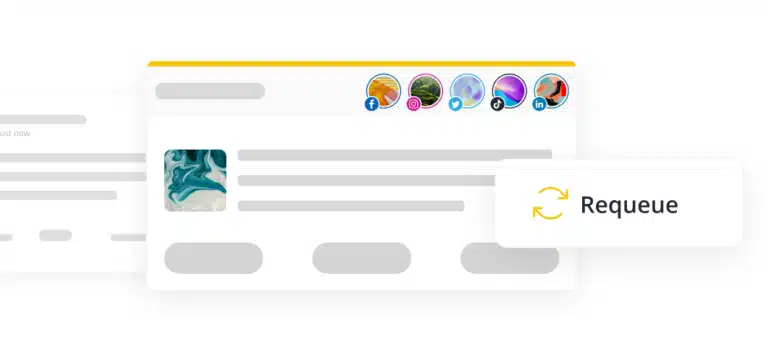
Evergreen content
Reuse your posts and keep them fresh by creating multiple variations.
RSS feed import
Turn blogs into social posts by importing your RSS feed to SocialBee.
Content curation
Use SocialBee’s Quuu and integrations to curate content.
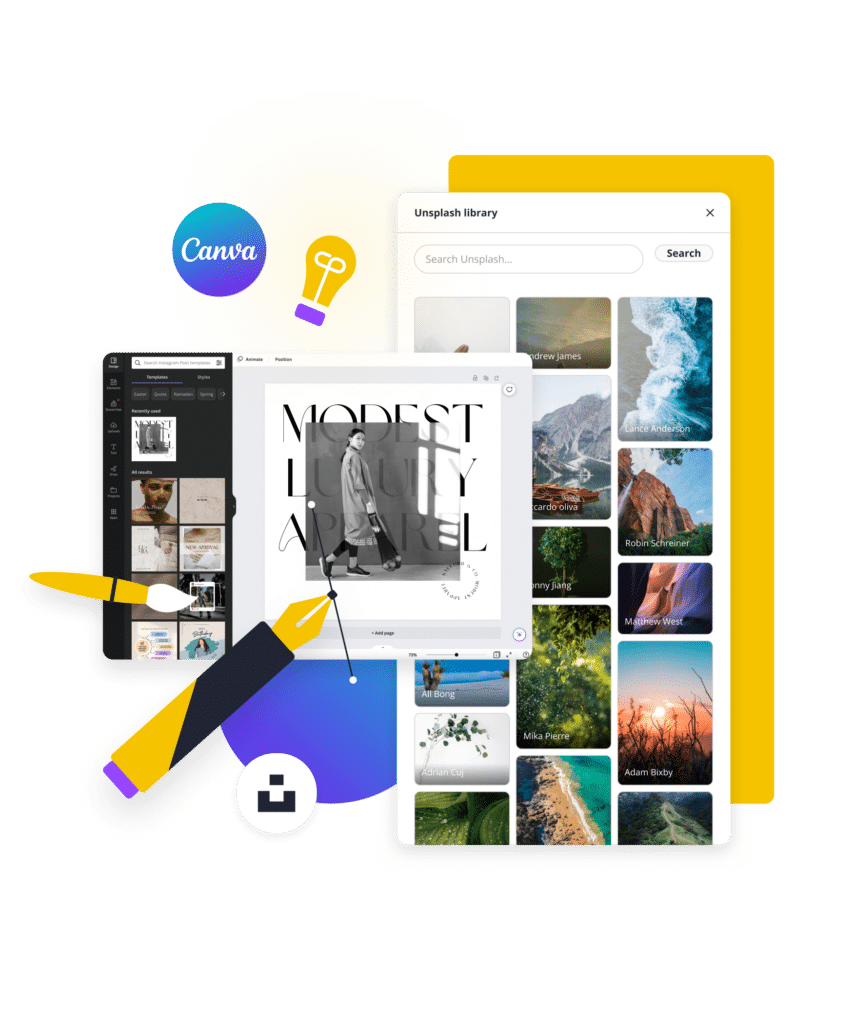
Stand out from other social media content creators with powerful visuals
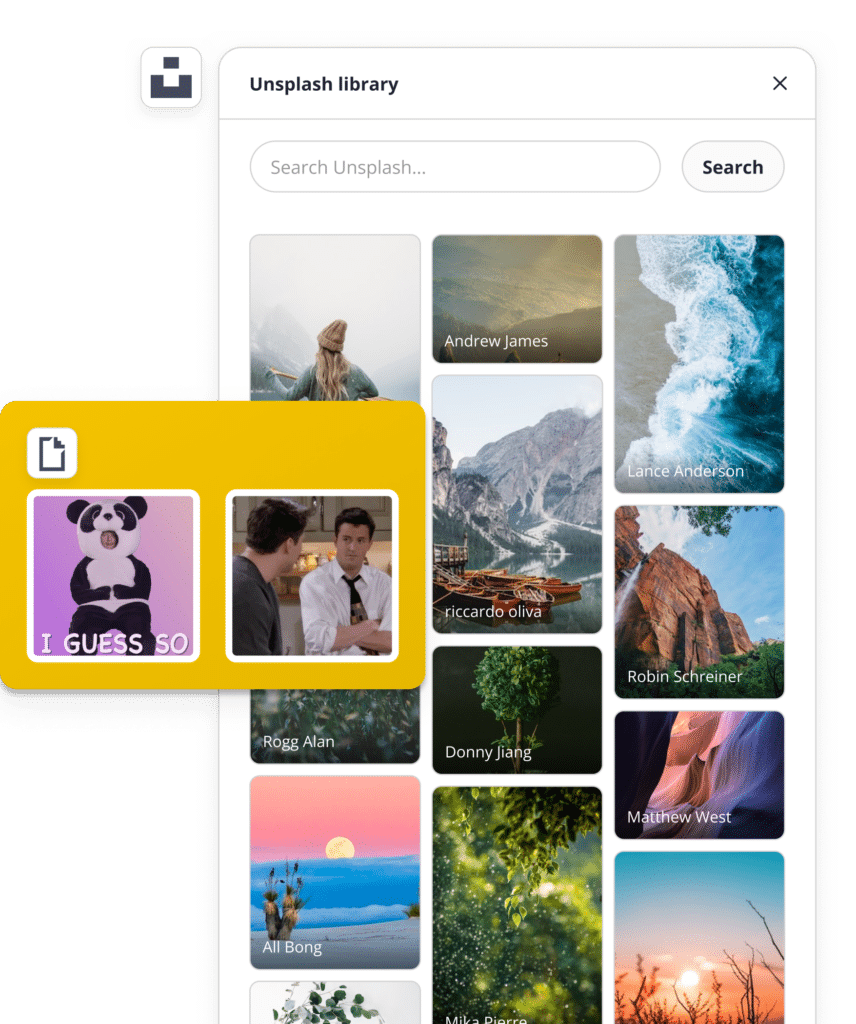
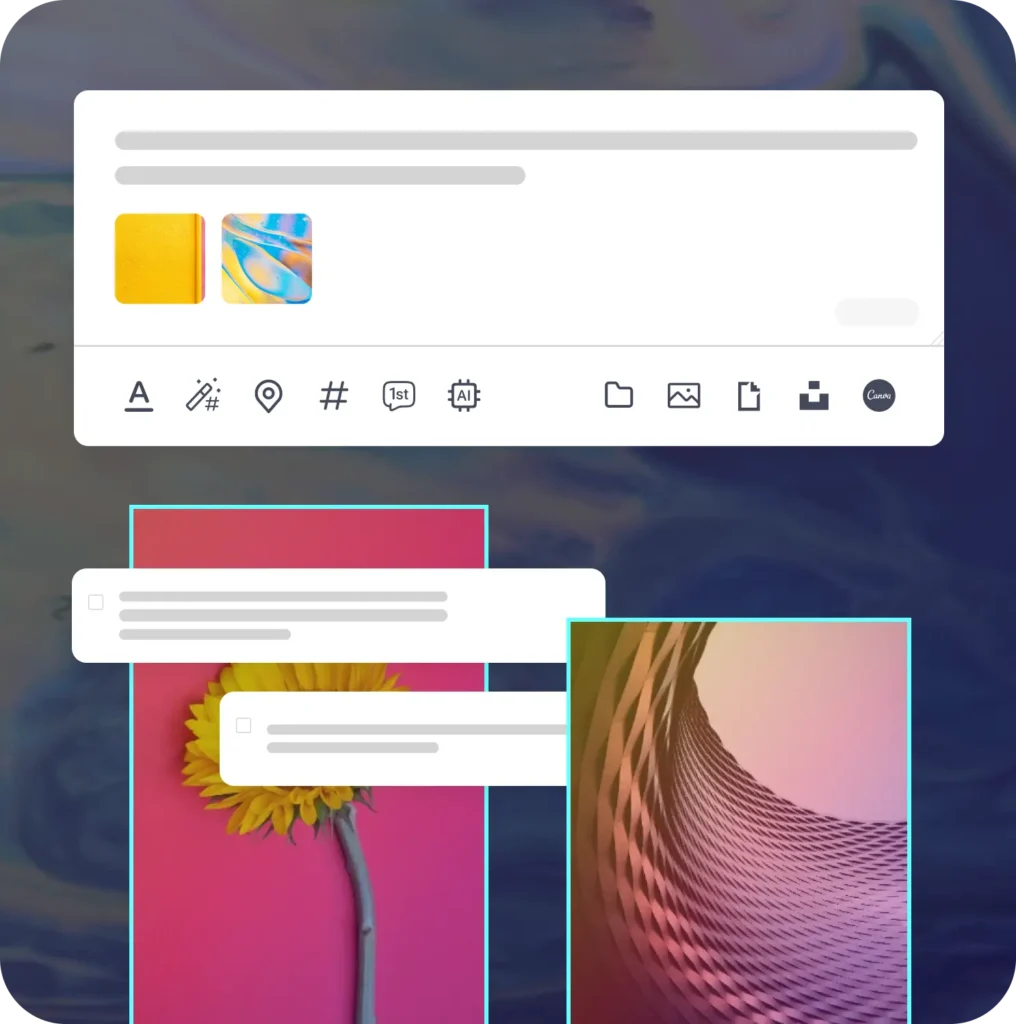
Import engaging visuals
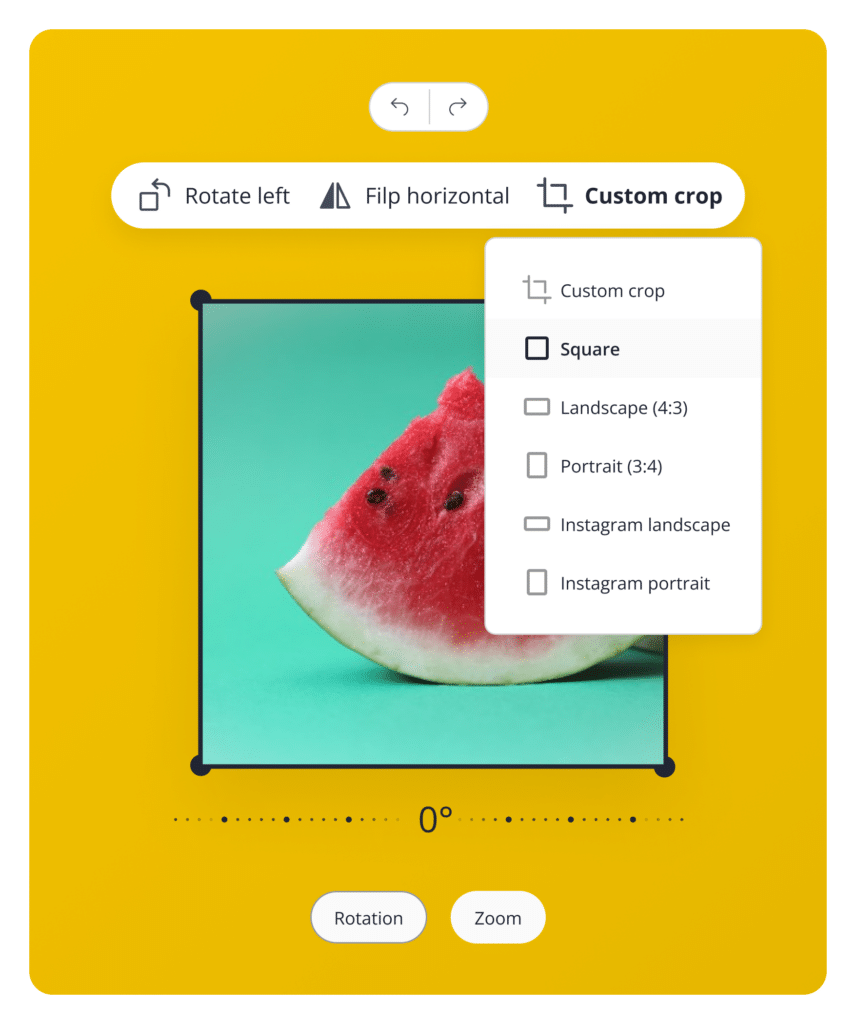
Adjust your images to perfection
Enhance your content's visual appeal
Leverage AI to create more high-quality content in less time
Wave goodbye to writer’s block and tedious content creation—generate social media posts with automatically generated hashtags and emojis.
Generate engaging posts
Simplify, summarize, and repurpose
Repurpose your product descriptions
Why use SocialBee's AI functionality
Achieve a consistent and impactful presence with SocialBee’s AI-powered content generator.
Save time and effort
Create engaging content with SocialBee’s AI post generator while freeing up time and streamlining your strategy.
Eliminate writer's block
Eliminate writer’s block while brainstorming post ideas and generating new social media content.
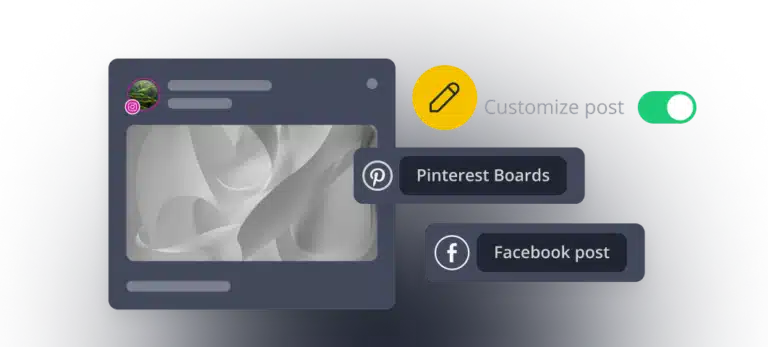
Customize your posts
Customize your posts automatically using AI or by yourself. Adjust the caption length, add different hashtags, and more from one place.
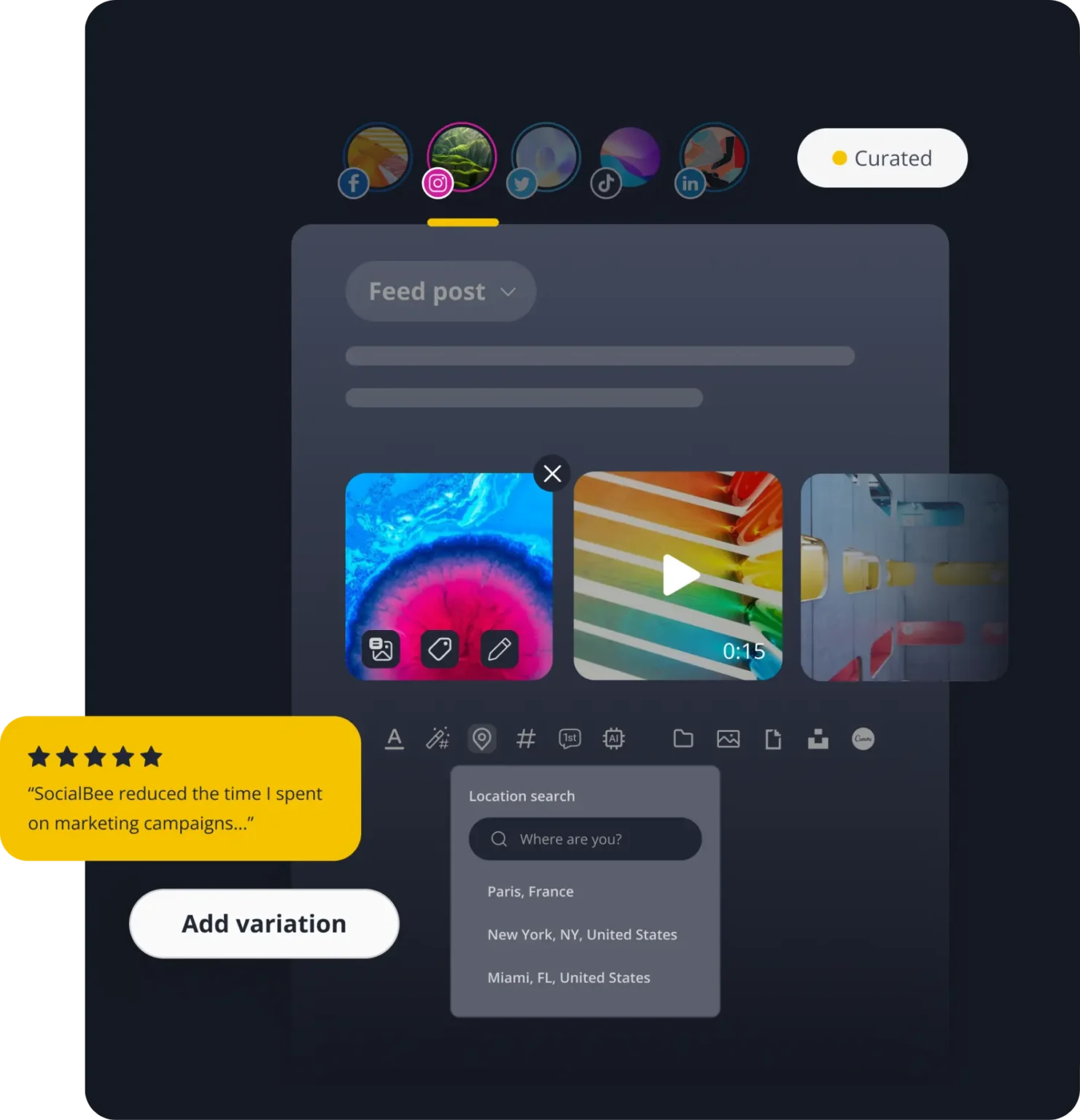
Discover the best SocialBee features to master your social media content strategy
Helping thousands of professionals create a successful social media strategy
We're committed to your success through continuous learning, innovation, and unwavering support.
Social media knowledge
Read our blog posts for weekly updates on social media trends you need to know.
SocialBee tutorial with Q&A
Here's what our customers have to say about us
FAQ
Do you have questions left unanswered?
If you’re wondering what is SocialBee, it’s an all-in-one social media management tool that helps you create, schedule, publish, analyze, and handle your conversations from a single dashboard.
Whether you’re a creator, small business, marketer, or agency, the SocialBee tool helps you save time, stay consistent with your content, and cut repetitive manual tasks like logging in and switching between tabs.
If you’re looking for a SocialBee review, the best way to see if it’s the right fit for your needs is to start a free trial and explore the platform yourself.
SocialBee is a social media management tool used by all kinds of clients, from solo creators to agencies and larger organizations.
Social media management for business:
Our clients include freelancers, small businesses, and service providers like coaches, doctors, lawyers, realtors, restaurants, hotels, and creators. SocialBee helps by letting them plan posts in advance and schedule them, so they don’t have to publish manually every day or rely on last-minute posting.
Social media management for agencies:
Our agency clients and social media managers handle multiple brands at the same time, which can quickly become confusing when everything is managed manually.
SocialBee solves this by separating each client into its own workspace, so accounts, content, and planning stay clearly divided while still being managed from one dashboard.
Teams can approve content before it goes live, leave feedback directly on posts, and generate performance reports that can be exported as PDFs and shared with clients, making it easier to keep everyone aligned and informed.
Social media for organizations and institutions:
We also work with schools, universities, nonprofits, churches, government institutions, and similar organizations where several people are involved in content creation and approvals.
SocialBee helps keep everything moving by giving teams a shared place to plan and organize posts, so content doesn’t get stuck or delayed between steps.
Across all of these clients, SocialBee works as a social media management software that reduces the need to switch between tools and keeps everything in one place. That’s also why our users consider it the best social media management tool; it’s simple, affordable, structured, and easy to scale.
SocialBee has six plans, so you can pick the one that matches the number of social media accounts, brands, and team members you manage.
No matter which plan you choose, you’ll be able to schedule and publish content to Facebook, Instagram, X (Twitter), LinkedIn, Pinterest, TikTok, YouTube, Threads, Bluesky, and Google Business Profile. Every plan also includes AI-powered content creation, a social inbox, analytics, content organization tools, and collaboration features.
- Bootstrap ($29/month): A great starting point for solopreneurs and small businesses. Connect up to 5 social profiles and get access to all the essentials for planning, creating, and publishing content. Analytics data is available for up to 3 months. Features like CSV imports, the hashtag organizer, bulk editing, post approvals, internal notes, and branded report exports are not included.
- Accelerate ($49/month): A good fit for growing businesses that need more advanced tools. Connect up to 10 social profiles and get access to advanced analytics, CSV imports, bulk editing, the hashtag organizer, and post approvals. Analytics data is available for up to 2 years. Internal notes and branded report exports are not included.
- Pro ($99/month): Built for social media managers, teams, and agencies. Manage up to 25 social profiles, work across 5 workspaces, invite up to 3 users, and access every SocialBee feature, including branded report exports and internal notes.
- Pro50 ($179/month): Designed for agencies and teams managing more clients. Includes all features, plus support for up to 50 social profiles, 10 workspaces, and 5 users.
- Pro100 ($329/month): Ideal for larger teams managing multiple brands. Includes all features, up to 100 social profiles, 20 workspaces, and 5 users.
- Pro150 ($449/month): Made for agencies and organizations managing social media at a larger scale. Includes all features, up to 150 social profiles, 30 workspaces, and 5 users.
Yes, you can choose between monthly or annual billing on all SocialBee plans. If you go with annual billing, you save 16% compared to paying monthly.
Here’s how much you save by purchasing yearly SocialBee plans:
- Bootstrap ($29/month)
- Monthly: $29 × 12 = $348/year
- Annual (−16%): $292.32/year
- You save: $55.68
- Accelerate ($49/month)
- Monthly: $49 × 12 = $588/year
- Annual (−16%): $493.92/year
- You save: $94.08
- Pro ($99/month)
- Monthly: $99 × 12 = $1,188/year
- Annual (−16%): $997.92/year
- You save: $190.08
- Pro50 ($179/month)
- Monthly: $179 × 12 = $2,148/year
- Annual (−16%): $1,804.32/year
- You save: $343.68
- Pro100 ($329/month)
- Monthly: $329 × 12 = $3,948/year
- Annual (−16%): $3,316.32/year
- You save: $631.68
- Pro150 ($449/month)
- Monthly: $449 × 12 = $5,388/year
- Annual (−16%): $4,525.92/year
- You save: $862.08
So in short, annual billing means you pay for 10 months instead of 12, and get the same plan with a lower total cost.
Yes, SocialBee offers a few ways to explore the platform before or while you get started.
You can try a 14-day free trial of the Pro plan, which gives you access to most of SocialBee’s key features so you can see how everything works in practice.
If you prefer a guided experience, you can also book a live demo. This is a video call with our customer support team, where they walk you through SocialBee and answer your questions.
There’s also an interactive demo on our website, plus a recorded full walkthrough on YouTube, along with short tutorials that explain specific features step by step.
SocialBee integrates with Facebook, Instagram, X (Twitter), LinkedIn, Pinterest, TikTok, YouTube, Threads, Bluesky, and Google Business Profile, so you can manage multiple social media accounts from one place instead of jumping between platforms.
Once connected, SocialBee brings as much functionality as each platform’s API allows. This includes scheduling and publishing content, analytics, and engagement tools where supported. Because each social network has different API limitations, the exact features available vary from platform to platform.
Yes, SocialBee automatically publishes your content based on the schedule you set in advance.
Once you create a post and assign it a time slot (or a content category with a schedule), SocialBee will take care of posting it at the right time across your connected social media accounts. You don’t need to manually publish each post.
You can also review, edit, or remove scheduled content anytime before it goes live, so you stay in full control while still saving time on day-to-day posting.
Yes, SocialBee includes a visual Scheduler that helps you plan and organize your social media content in one place.
You can switch between different views depending on how you like to work:
- Calendar view: See your scheduled posts by day, week, or month and get a clear overview of what’s coming up.
- List view: View upcoming posts in a simple list format for the next week.
- Grid view (Instagram only): Preview how your Instagram feed will look, including posts and Reels (up to 30 days ahead).
- Overview tab: Set up a recurring weekly posting schedule for your content categories.
You can also add specific time slots for posts or content categories, and easily adjust or remove them whenever your schedule changes. If something isn’t posted as expected, you can also check why directly inside the Scheduler using the failed posts and status views.
Overall, the Scheduler gives you a flexible way to plan, organize, and keep track of your content across all your social media profiles.
Yes, SocialBee offers multiple AI content creation features: the AI Post Generator and Copilot.
The AI Post Generator is built into the post editor and lets you create captions and visuals from a simple prompt. You describe what you want, and it generates captions, post variations, hashtag ideas, tone adjustments, and AI images. You can also customize content for different platforms and create multiple versions of the same post automatically with AI.
Copilot works more like an AI social media manager. You can add your website URL or answer a few questions, and it builds a content strategy based on that information, including what to post, how to structure your content, and ready-to-edit post ideas.
Together, these features make SocialBee an AI social media management tool that helps you go from idea to finished post, without starting from scratch each time.
Yes, SocialBee is built for managing multiple brands or clients from a single account.
You can use workspaces to keep each brand or client completely separate, including their connected social profiles, content, and scheduling.
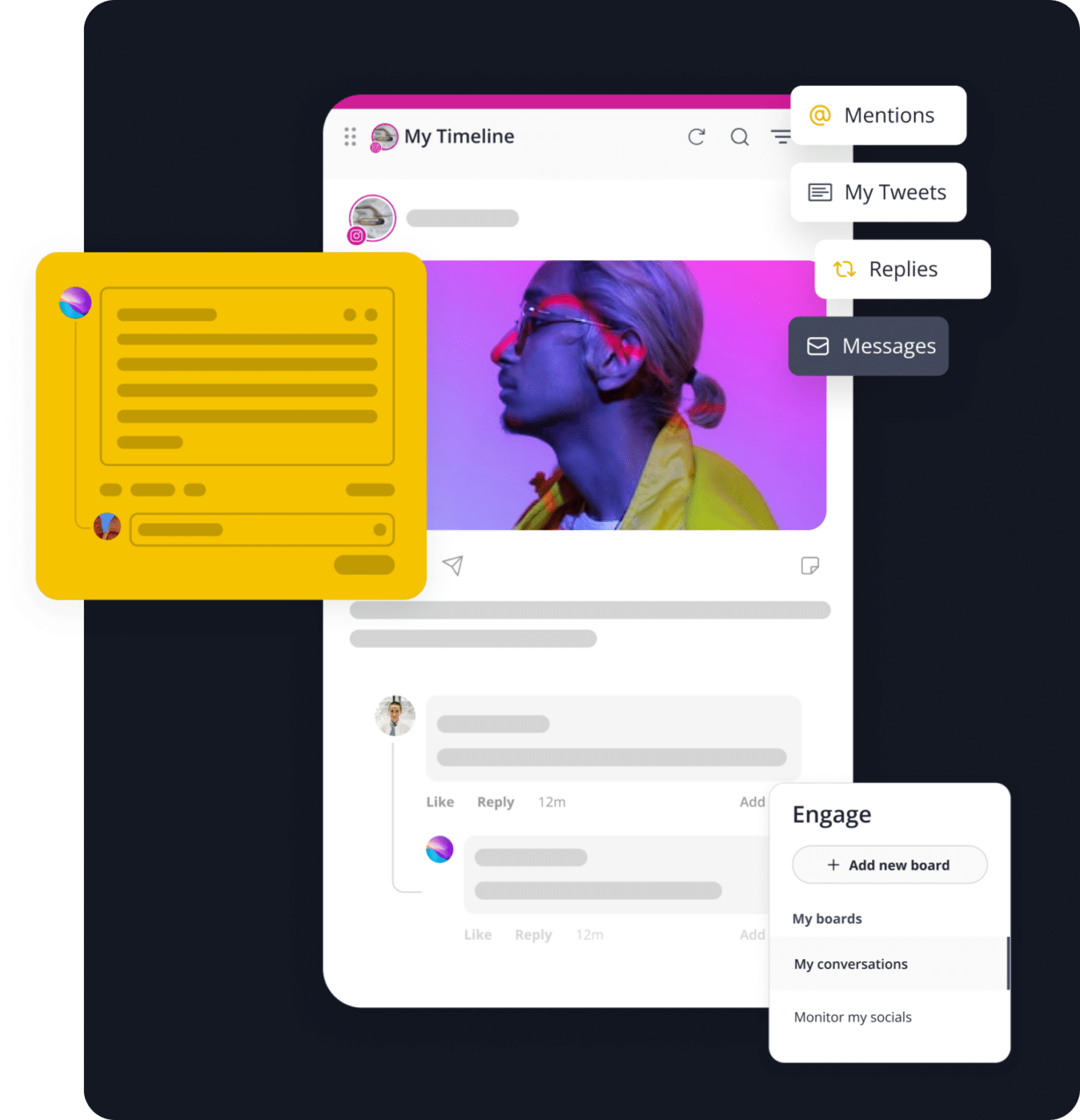
Each workspace also keeps things separated for analytics and inbox activity, so you can track performance and manage conversations per brand or client without everything being merged together.
Depending on your plan, you can create multiple workspaces and assign team members to each one, making it especially useful for agencies and teams managing several clients at once.
Yes, SocialBee lets teams work together on content before anything gets published.
It’s built as a social media collaboration tool, so you can bring teammates or clients into the same workspace, work on posts together, and keep everything in one place instead of switching between emails or messages.
With SocialBee team collaboration, everyone involved can see what’s being worked on, add feedback, and make edits when needed, so it’s easier to stay aligned on content.
Before a post goes live, it can go through a simple social media approval workflow, where teammates or clients review it, suggest changes, and approve it directly in the platform, so nothing gets published without a final check.
SocialBee integrates with Facebook, Instagram, X (Twitter), LinkedIn, Pinterest, TikTok, YouTube, Threads, Bluesky, and Google Business Profile.
However, inbox and analytics features are not available in the same way for every platform. What you can access depends on what each social network supports.
Inbox (engagement):
- Facebook Pages: Comments, mentions, DMs
- Instagram Business: Comments, mentions, DMs
- Threads: Comments, mentions
- LinkedIn Company Pages: Comments, mentions
- YouTube: Comments
- X (Twitter): Comments, mentions
Analytics:
- Facebook: Page analytics, post analytics, category metrics, post type metrics, post history, daily engagement map, and competitor analysis.
- Instagram Business: Audience demographics, page analytics, post analytics, category metrics, post type metrics, post history, and daily engagement map.
- X (Twitter): Page analytics, post analytics, category metrics, post type metrics, and post history.
- LinkedIn Company: Audience country and industry, page analytics, post analytics, category metrics, post type metrics, post history, and daily engagement map.
- Pinterest: Page analytics, post analytics, category metrics, post type metrics, post history, and daily engagement map.
- Google Business Profile: Page analytics, post analytics, and account activity.
- YouTube: Demographic distribution by country, page analytics, post analytics, category metrics, post type metrics, post history, and daily engagement map.
- TikTok: Page analytics, post analytics, category metrics, post type metrics, post history, and daily engagement map.
- Threads: Page analytics, post analytics, category metrics, post type metrics, post history, and daily engagement map.
Not all platforms support both inbox and analytics features equally; functionality varies depending on the social network.
A “social profile” in SocialBee is each individual account you connect from a social network. For example, one Facebook Page, one Instagram account, one LinkedIn Page, or one TikTok account each count as a separate social profile.
Yes, you can mix and match networks freely. Your plan limits the total number of social profiles, but you can choose any combination of supported platforms, such as Facebook, Instagram, X (Twitter), LinkedIn, Pinterest, TikTok, YouTube, Threads, Bluesky, or Google Business Profile. You’re not locked into a specific network mix, so you can build your setup based on your actual needs.
Improve your social media content strategy
Save time with AI-powered posts, create a social media plan, automate scheduling, and keep your social media feed active with less effort.
14-day free trial, no credit card required